3 Ways Directors Use Aspect Ratio Changes for Viewers and Filmmakers
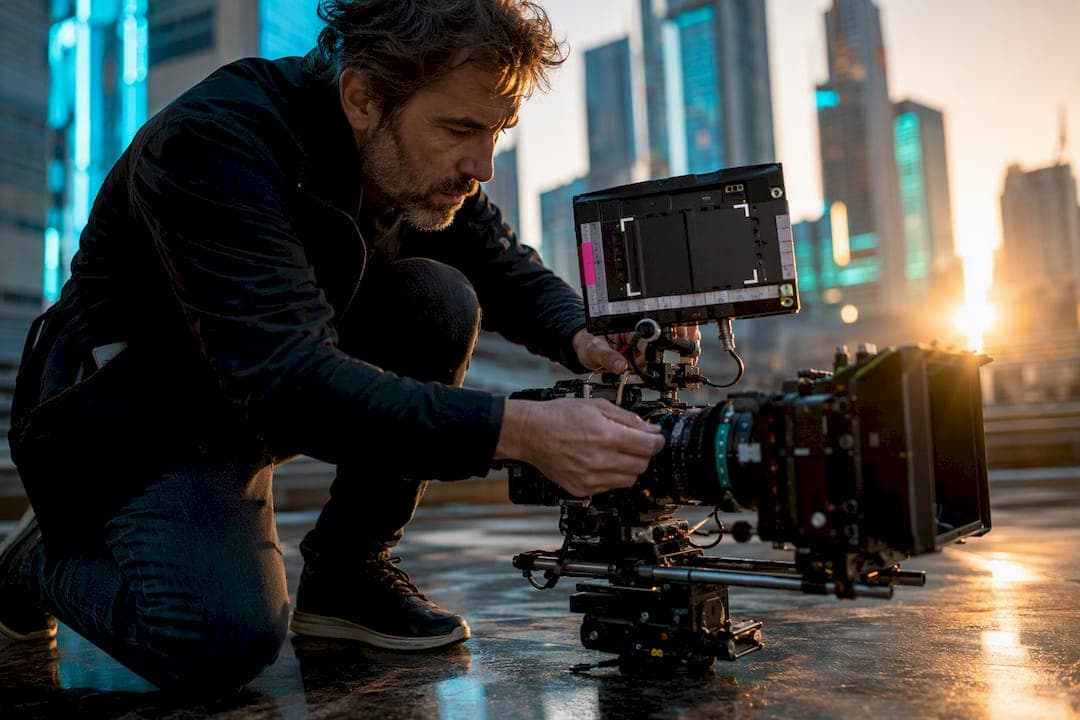
An aspect-ratio change is a deliberate switch in the width-to-height relationship of the film frame, used to signal a shift in perspective, era, or emotional scale. Filmmakers create these changes either by choosing a different capture format on set or by cropping, masking, and reframing in post. Either way, the shift is never decoration. It’s a visual cue your eye reads before your brain catches up.
TL;DR:
- Directors often use aspect ratio changes to signal shifts in time, perspective, or emotional scale, such as narrowing for intimacy or widening for grandeur.
- Changing ratios can be achieved either during filming using native formats like IMAX or anamorphic lenses, or in post-production with cropping, masking, and reframing.
- Film examples like The Grand Budapest Hotel, Oppenheimer, and Life of Pi demonstrate narrative or emotional meaning behind ratio shifts, not just visual spectacle.
- Proper planning before filming, clear communication about delivery specs, and early setup of framing zones are essential to avoid costly ratio mismatches.
- Most ratio errors result from technical mismatches or settings issues, and fixing them often involves re-framing or adjusting sequence parameters rather than reshoots.
Table of Contents
- Aspect Ratio Changes as Storytelling: What Directors Are Really Signaling
- How Aspect Ratio Changes Get Made: On-Set Choices vs Post-Production Fixes
- Case Studies: Films That Use Aspect Ratio as a Storytelling Device
- A Production Checklist for Planning Aspect Ratio Changes
- How to Fix a Messed Up Aspect Ratio
- How Thethingsyoumissed Verifies Aspect Ratio Changes on Film
- Why Ratio Changes Reward the Viewers Who Actually Notice Them
- Find Every Verified Frame Change on Thethingsyoumissed
- Sources
Aspect Ratio Changes as Storytelling: What Directors Are Really Signaling
Every ratio carries a psychological weight. A boxy 1.37:1 (Academy ratio) frame feels confined, almost claustrophobic, which is exactly why directors use it for flashbacks, dream sequences, or eras before widescreen existed. Widen out to 16:9 or a similar widescreen ratio around 1.85:1, and the frame reads as contemporary and grounded. Push to 2.39:1 scope, and you get sweeping, cinematic scale, ideal for landscapes, war, or isolation within vast space. IMAX’s native 1.43:1 flips the logic entirely: instead of width signaling scope, height and sheer image density signal immersion.
Ratio changes typically fall into three categories:
- Perspective shift — a narrower frame drops the audience into a character’s subjective, restricted point of view.
- Era marker — switching ratios mid-film tells viewers “we’ve jumped in time” without a title card.
- Scale emphasis — widening for action or vistas, narrowing for intimacy or dread.
Wes Anderson built The Grand Budapest Hotel around exactly this taxonomy, using three distinct ratios to mark three timelines. That kind of layered use of format is common enough that entire fan communities catalog it, which tells you how much attention engaged viewers pay to a choice most casual audiences never consciously register.
How Aspect Ratio Changes Get Made: On-Set Choices vs Post-Production Fixes
Ratio changes happen two ways: baked in at capture, or applied afterward. Shooting on IMAX film, 65/70mm, or anamorphic lenses locks in a native format with its own grain structure and depth characteristics that no amount of cropping replicates. Digital masking cannot fully reproduce what IMAX’s larger negative area captures, because you’re not just changing a rectangle, you’re changing how much light and detail hit the frame in the first place.
Post-production methods are cheaper and more flexible but carry real trade-offs:
- Letterboxing adds black bars top and bottom to fit a wider image into a narrower frame.
- Pillarboxing does the reverse, bars on the sides for narrower content in a wider frame.
- Pan and scan crops a wide image to fit a narrower delivery, sacrificing composition at the edges.
- Digital reframing repositions or scales footage inside an NLE sequence, useful when you shot wide open with reframing in mind.
Editors can change aspect ratio by adjusting sequence and frame settings directly in tools like Premiere Pro, but that flexibility only works cleanly if the original footage has enough resolution to survive the crop. Native capture wins when the format itself is part of the story; digital masking is fine when the ratio is a delivery decision rather than a creative one.
Case Studies: Films That Use Aspect Ratio as a Storytelling Device
The Grand Budapest Hotel uses ratio as a timestamp. Each era gets its own frame shape, so a viewer’s eye registers “we’ve moved in time” before a single line of dialogue confirms it. It’s a clean example of format doing narrative work that dialogue would otherwise have to carry.
Christopher Nolan takes the opposite approach in Oppenheimer. Rather than marking time, he alternates IMAX (1.43:1) and scope (~2.20:1) footage, often within the same scene, to create a visceral exhibition effect tied to subjective emphasis. The wider scope shots tend to carry objective, historical distance, while the fuller IMAX frame pulls you into a character’s interior state.
A few smaller examples round out the pattern:
- The Dark Knight intercuts IMAX footage for select action sequences purely for scale and immersion, an exhibition-driven choice more than a narrative one.
- Scott Pilgrim vs. the World shifts ratio briefly for comic-panel style transitions, echoing its source material’s visual language.
- Life of Pi widens during ocean sequences to physically expand the sense of isolation.
The distinction worth remembering: IMAX inserts in a blockbuster are often exhibition-driven, chasing scale in theaters equipped to show them. Anderson’s shifts are pure aesthetic storytelling, achievable at any screen size.
A Production Checklist for Planning Aspect Ratio Changes
Decide your ratio strategy before you scout locations, not after. Choosing aspect ratio during development and notifying post facilities early prevents expensive rework later, especially if you’re planning to deliver both a theatrical DCP and a streaming master in different ratios.

Confirm delivery specs first. Distributors and streaming platforms have specific requirements, and non-standard ratios mastered incorrectly to DCP need explicit instructions or they’ll get windowboxed, meaning your frame ends up floating inside black bars nobody wanted.
On set, protect yourself with:
- Lens charts marking safe action and safe title areas for every intended delivery ratio.
- Extraction zones documented and shared with your DIT, editorial, and VFX teams before day one, not during the shoot.
- Location scouting done in both your narrowest and widest planned ratios, since a frame that reads beautifully at 2.39:1 might expose a boom mic at 1.85:1.
In post, lock your timeline resolution and sequence settings early, and master every deliverable format as a separate export rather than trying to force one master to serve all platforms. Shooting at 4K or higher gives editors more freedom to reframe, which matters if you’re not fully certain which ratio you’ll finalize until the edit.
Pro Tip: Document your extraction zones on paper camera reports, not just in a shared drive. On a rushed shoot day, the physical chart on set gets checked far more often than a digital file buried in production folders.
Budget conversations about ratio belong in preproduction, not the DI suite. A ratio decision made late almost always costs more than one made early, because reshoots to fix framing errors are rarely cheap and rarely fast.
How to Fix a Messed Up Aspect Ratio
Stretched faces, cropped-off heads, or footage that looks squeezed usually points to one of a few fixable issues.
- Check your sequence or frame settings first. A mismatch between your footage’s native ratio and your timeline’s frame size is the most common cause of stretching.
- Look for pixel aspect ratio errors. Anamorphic footage imported without the correct pixel aspect setting will look horizontally squeezed even though the file itself is fine.
- Reframe or scale deliberately rather than stretching to fill. Use pan and scan or a controlled crop instead of letting the software force-fit the image.
- Decide if it’s a post fix or a reshoot. If the composition itself is broken (heads cropped, key action outside frame), no amount of scaling saves it. If it’s purely a technical mismatch, it’s almost always fixable in the timeline.
Most “ratio disasters” are settings problems, not creative failures. Catching them before final export saves a scramble at delivery.
How Thethingsyoumissed Verifies Aspect Ratio Changes on Film
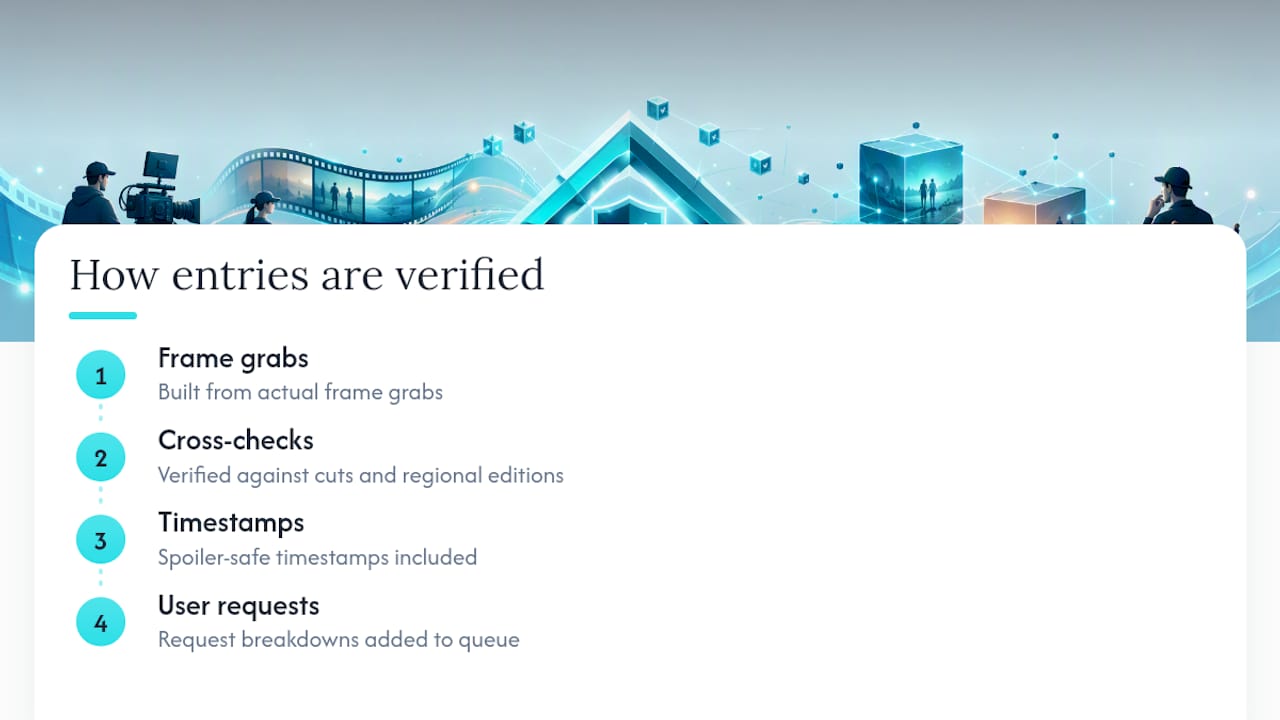
Every ratio-change entry in the Thethingsyoumissed database gets built from actual frame grabs, cross-checked against multiple cuts or regional editions to confirm the switch isn’t an artifact of a bad transfer. Entries carry spoiler-safe timestamps so you can jump straight to the moment without learning what happens around it. If you’ve spotted a ratio shift in something we haven’t broken down yet, you can request a title breakdown and we’ll add it to the queue.
Why Ratio Changes Reward the Viewers Who Actually Notice Them
A ratio shift is one of the few storytelling tools that works on a viewer before they consciously register it happening. That’s what makes it worth hunting for: the emotional cue lands whether or not you can name it. Once you start noticing which scenes get boxed in and which ones breathe wide, you start watching differently. Our movie breakdowns catalog exactly these moments with timestamps, so the next rewatch turns up details the first viewing never could.
— Christian
Find Every Verified Frame Change on Thethingsyoumissed
Spotting a ratio shift is one thing. Confirming exactly when it happens, in which edition, and why the director made that call takes real frame-by-frame verification, which is where most recap sites stop short and Thethingsyoumissed keeps going.
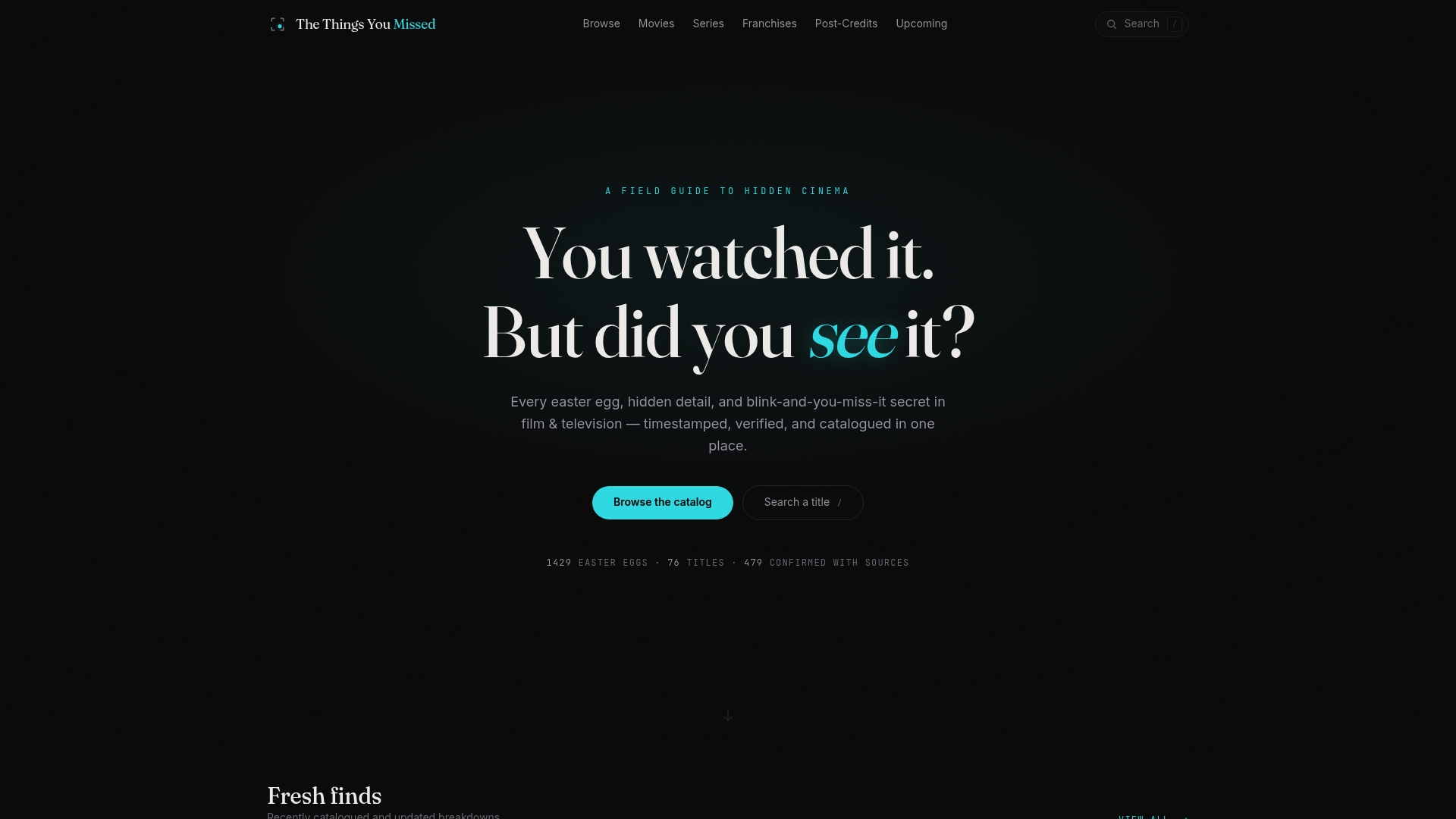
Our movie breakdown pages give you timestamped screenshots and verified sources for exactly these kinds of technical and narrative details, all browsable spoiler-safe so you can check a scene without learning what comes next. Noticed a ratio change we haven’t documented yet? Submit a request and vote it into our breakdown queue.
Sources
- The importance of aspect ratio in modern filmmaking - Adobe
- Aspect Ratios in Film: A Practical Guide from 1.33 to 2.76 | Tools for Film